Rakazo on a $5 VPS with HTTPS and Caddy
From a blank server to bots that stay on when your laptop is closed.
Coming soonIndependent Rakazo blog · updated Nov 2026
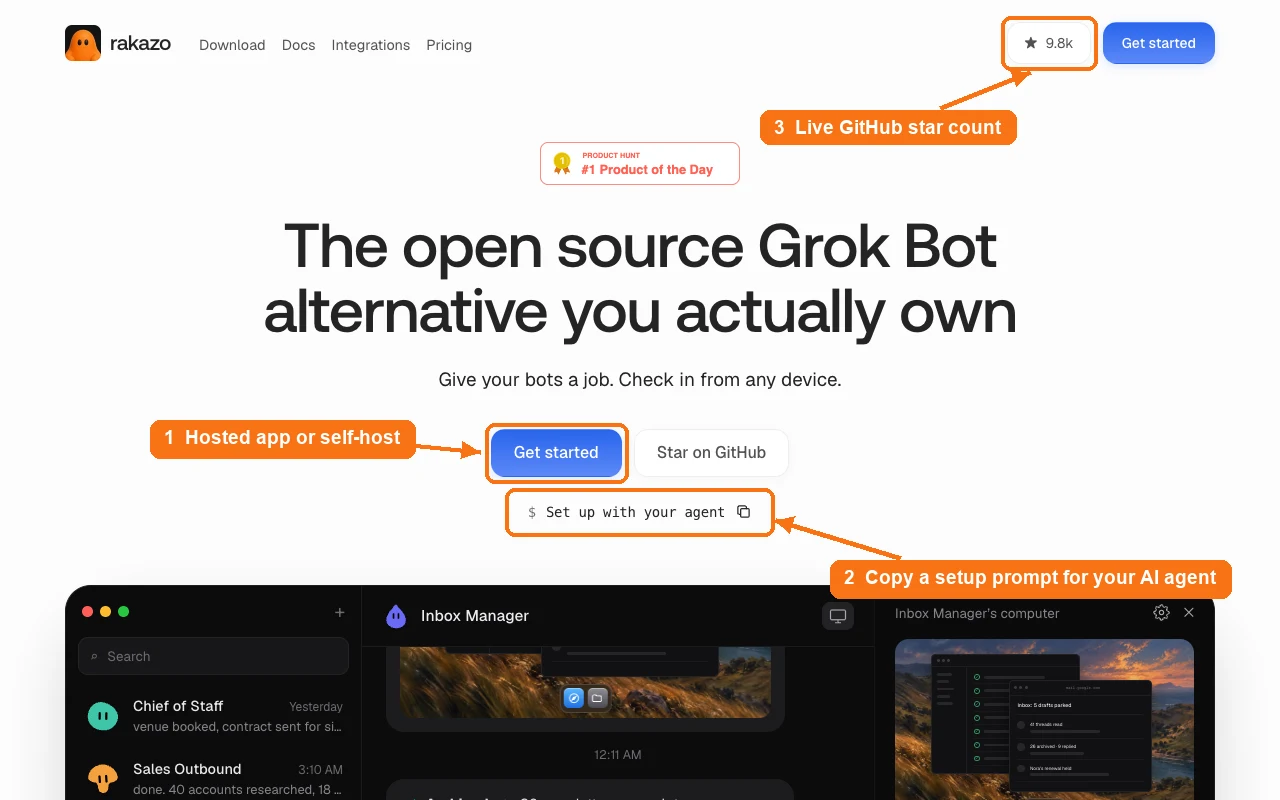
Rakazo is the open-source, self-hosted alternative to Grok Bot: bots with their own memory, routines and computer, running on your machine with your model. This site explains how to install it, host it and use it well, in plain English.
curl -fsSLO https://raw.githubusercontent.com/elie222/rakazo/main/infra/compose/install-images.sh && bash install-images.sh
01 · The basics
Rakazo gives you persistent AI "bots" that work like teammates. Each bot has a job, remembers what it learns, runs on a schedule, and gets its own computer (a browser, terminal, files and a full desktop) inside a sandbox.
You bring the model: Claude, ChatGPT, OpenRouter, Grok, or a local model through Ollama or LM Studio. Each bot can use a different one.
02 · Features
Browser, terminal and desktop. Watch it work, take control to sign in, then hand it back.
Run on a schedule, from an email, a webhook or a GitHub event, and see every run.
Bots keep what they learn and share it with the rest of the team.
Put bots in a group, @mention them, and they split the work and check each other.
Gmail, Slack, GitHub, Notion and Linear, plus your own MCP servers and OpenAPI tools.
Bots build live dashboards and docs you can open full screen and share by link.
03 · Quick start
You need Docker Engine with the Compose plugin, curl and OpenSSL. No clone or Node.js install is required.
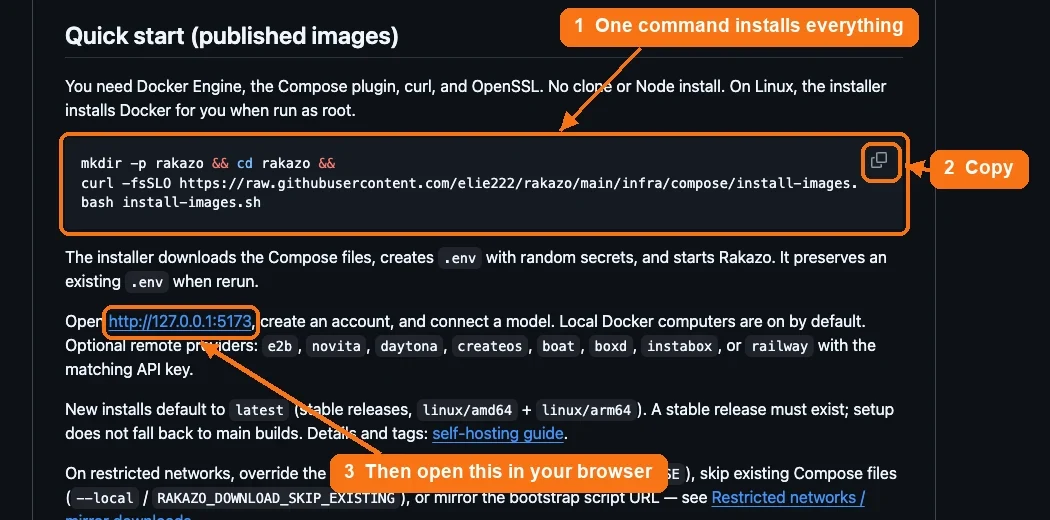
Make a folder, download install-images.sh and run it. It writes a .env with random secrets and starts everything with Docker Compose.
Go to http://127.0.0.1:5173 and create your account.
Sign in with a Claude or ChatGPT plan, add an API key, or point it at a local model. Then create your first bot.
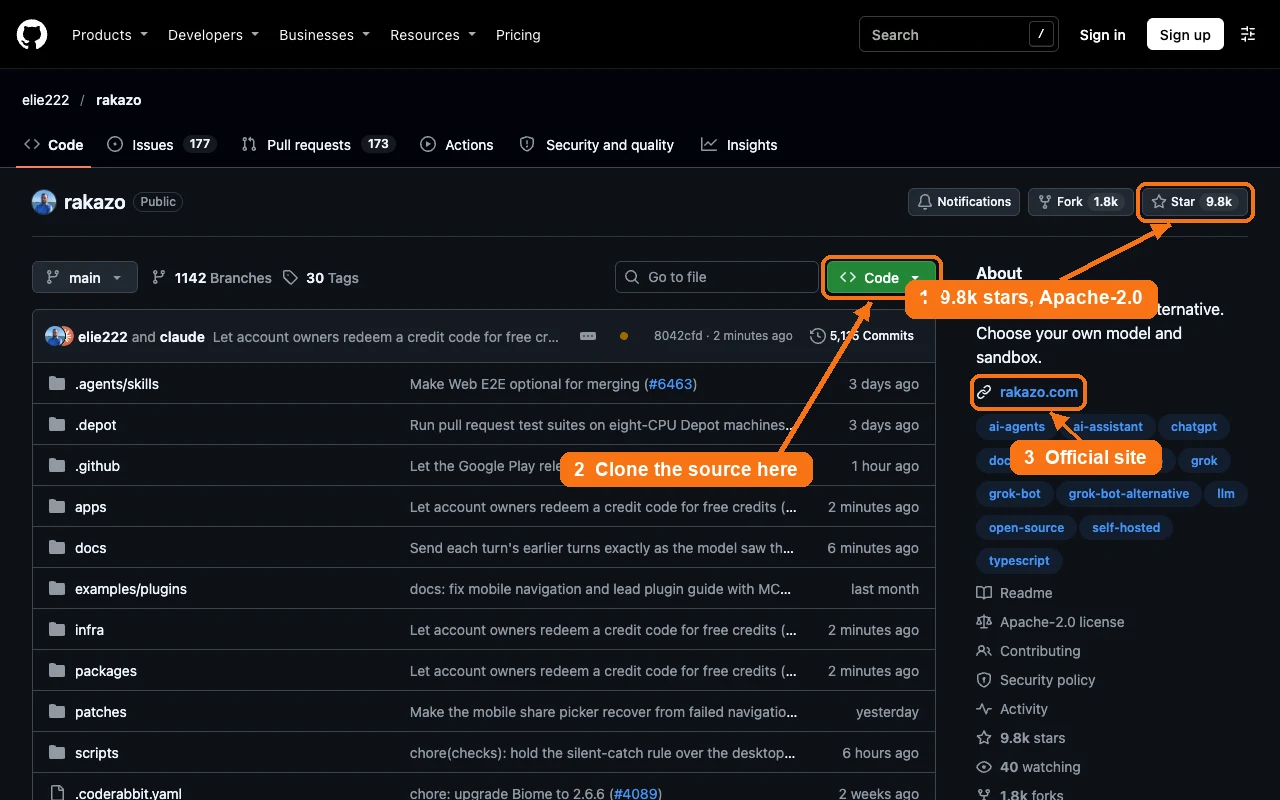
elie222/rakazo repository on GitHub.04 · Source code
Rakazo is a TypeScript monorepo. Knowing the layout helps when you read the docs or want to contribute.
Built with React 19, Vite, Tailwind, Hono, oRPC, PostgreSQL, Prisma and Better Auth.
05 · On the blog
From a blank server to bots that stay on when your laptop is closed.
Coming soonConnect a subscription instead of paying per API call.
Coming soonRun bots on a local model so nothing leaves your machine.
Coming soonInbox sweeps, morning briefings, PR reviews and more.
Coming soonWhich sandbox provider fits your setup and budget.
Coming soonConnect the mobile app to your own server.
Coming soon06 · Comparisons
| Rakazo | Typical hosted bot | |
|---|---|---|
| Source code | Open, Apache-2.0 | Closed |
| Where it runs | Your machine, VPS or cloud | Vendor's servers |
| Model choice | Any, per bot, incl. local | Vendor's model |
| Own computer per bot | Yes, sandboxed | Varies |
| Price | Free to self-host | Subscription |
The official docs also compare Rakazo with Grok Bot, Muse, Dots, Instinct, OpenClaw and Hermes Agent.
07 · FAQ
Yes. The code is Apache-2.0 and free to self-host. You pay only for the model you use and any cloud sandbox or server you choose.
Yes. In model settings you can sign in with a Claude Pro/Max plan or an eligible ChatGPT plan, or connect an API key.
Point a bot at any local OpenAI-compatible server such as Ollama or LM Studio. Each bot can use a different model.
Yes. There are apps for web, macOS, Windows, Linux, iPhone, iPad and Android, all talking to the same server.
No. Rakazo Guide is an independent fan blog. The official project lives at rakazo.com and github.com/elie222/rakazo.